Accept instant bank payments with Capitec Pay on Paystack
Offer Capitec customers a secure, app-based way to pay you directly from their bank account.
At Paystack, we’re always working to make it easier for businesses to get paid.
In South Africa, you can already accept payments via cards, Apple Pay, Ozow EFT, and more. Today, we’re adding another option: Capitec Pay, a secure way for customers to authenticate and approve payments using the Capitec banking app.
As open banking continues to expand in South Africa, Capitec Pay gives businesses a bank-validated, API-driven way to accept payments directly from customer accounts.
What is Capitec Pay?
Capitec Pay is a bank-endorsed payment initiation API built on open banking principles.
It allows businesses to securely initiate a payment request while customers approve the transaction directly in their Capitec banking app. No card details, and no internet banking logins.
Customers choose the account they want to pay from and authenticate the transaction safely within the Capitec app.
For businesses, this means a direct bank-to-bank payment flow that is fast, secure, and built for the future of open APIs.
How Capitec Pay works on Paystack
Here’s what your customers see when they choose Capitec Pay at checkout:
- Select Capitec Pay: On Paystack Checkout form, they choose Capitec Pay
- Enter details: They provide their registered mobile number or ID
- Approve in-app: A push notification appears in their Capitec banking app
- Confirm payment: They approve the transaction in the app
- Instant confirmation: The payment is completed immediately and both you and your customer are notified.
There’s no need for customers to enter card details or share online banking credentials.
Why your business should offer Capitec pay
- Reach millions of Capitec customers: Offer a trusted bank payment option to one of South Africa’s largest retail banking segments
- Recover sales that cards miss: Not all Capitec cards work for online purchases. Capitec Pay gives customers a reliable alternative at checkout.
- Increase payment success and reduce fraud risk: Customers approve payments securely in their banking app, with no card details shared or stored.
- Future-proof your checkout: As open banking expands in South Africa, Capitec Pay positions your business for a more secure, API-driven payments ecosystem.
Availability
Capitec Pay is automatically turned on for many merchants on Paystack.
- If you already have EFT enabled and your account has completed the required review, Capitec Pay will automatically appear in your checkout.
- If you don’t see it yet, you can enable Capitec Pay in your Dashboard under Settings → Preferences → Accept payments via.
If your account requires review, activation typically takes 2 to 3 business days after you enable the method.
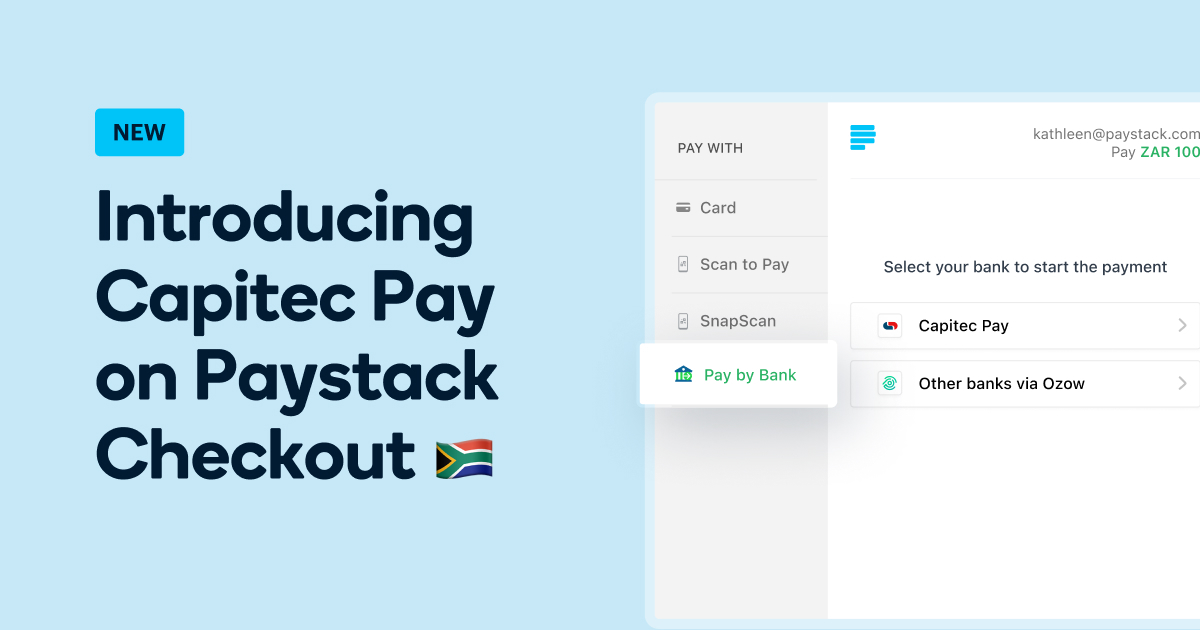
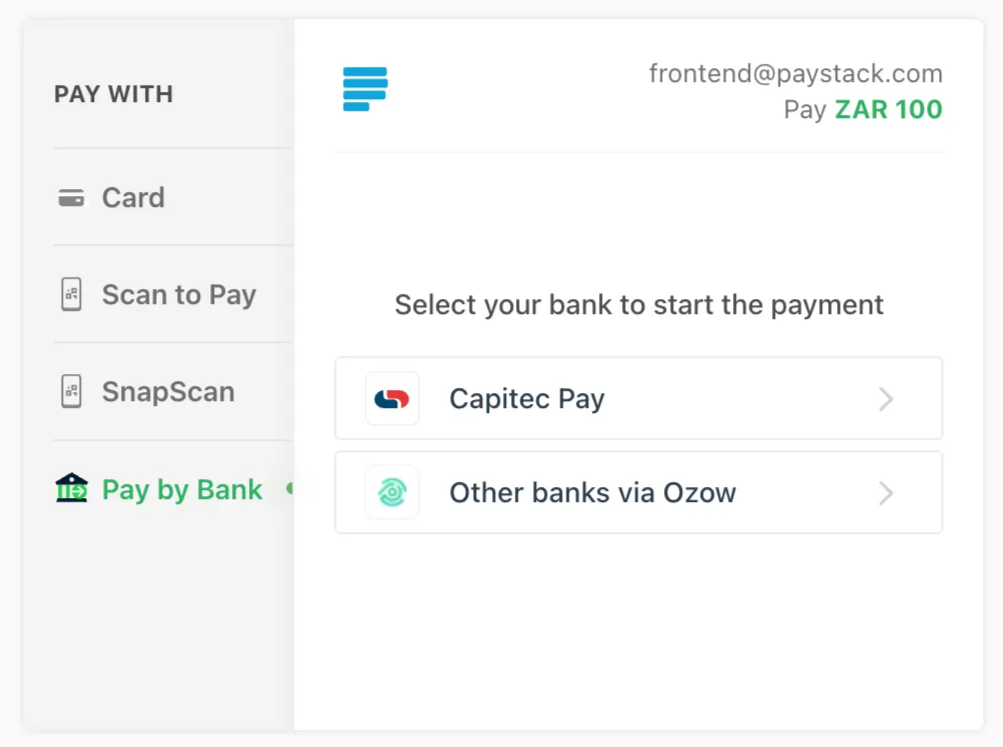
Once active, if you have both Ozow EFT and Capitec Pay enabled, they will appear under “Pay by Bank” in Checkout.
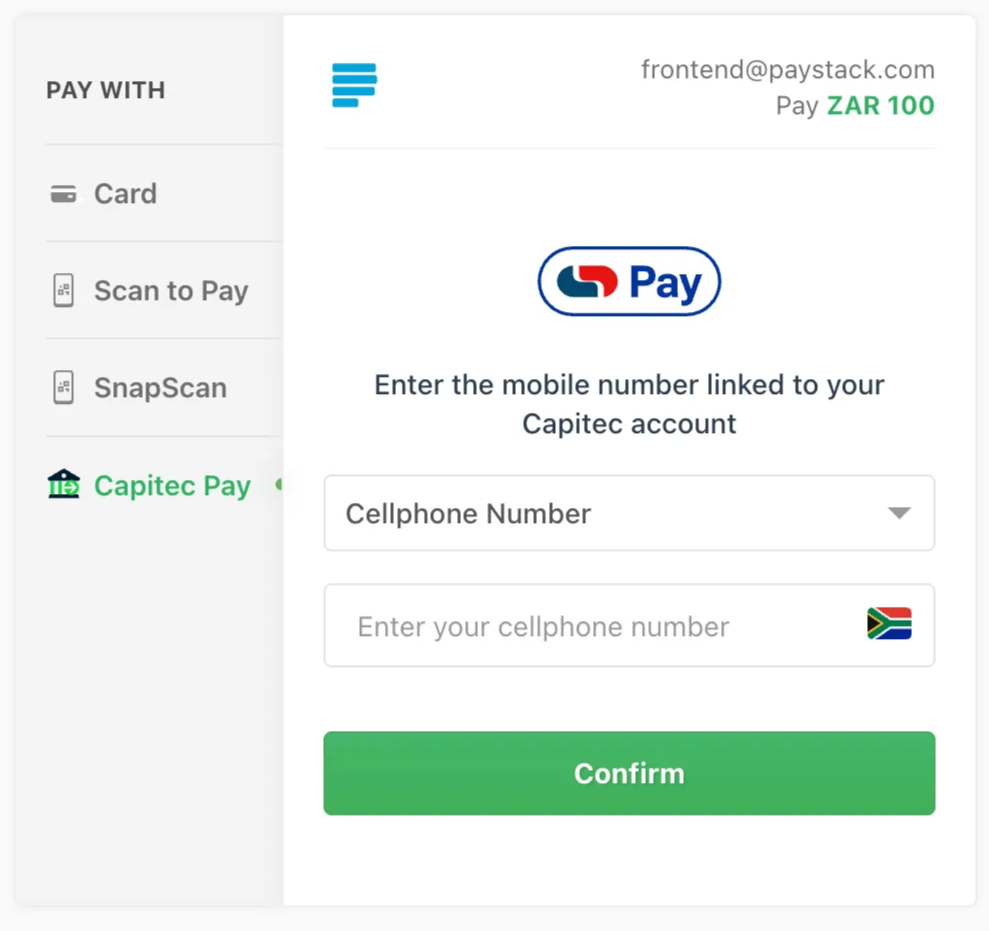
If Capitec Pay is your only bank transfer option, it will appear as its own tab in Checkout, as shown in the image below.
Start accepting Capitec Pay today
Whether you run an online store, offer subscription services, or serve enterprise customers, Capitec Pay makes it easier for customers to approve payments securely from their bank account.
If it’s already enabled for you, you’re ready to start accepting payments. If not, you can enable it in your Dashboard today.
If you need any help, our support team is always here for you 💙