Pay with Pesalink is now live in Kenya
Kenyan businesses can now accept instant bank transfers with Pesalink on Paystack.
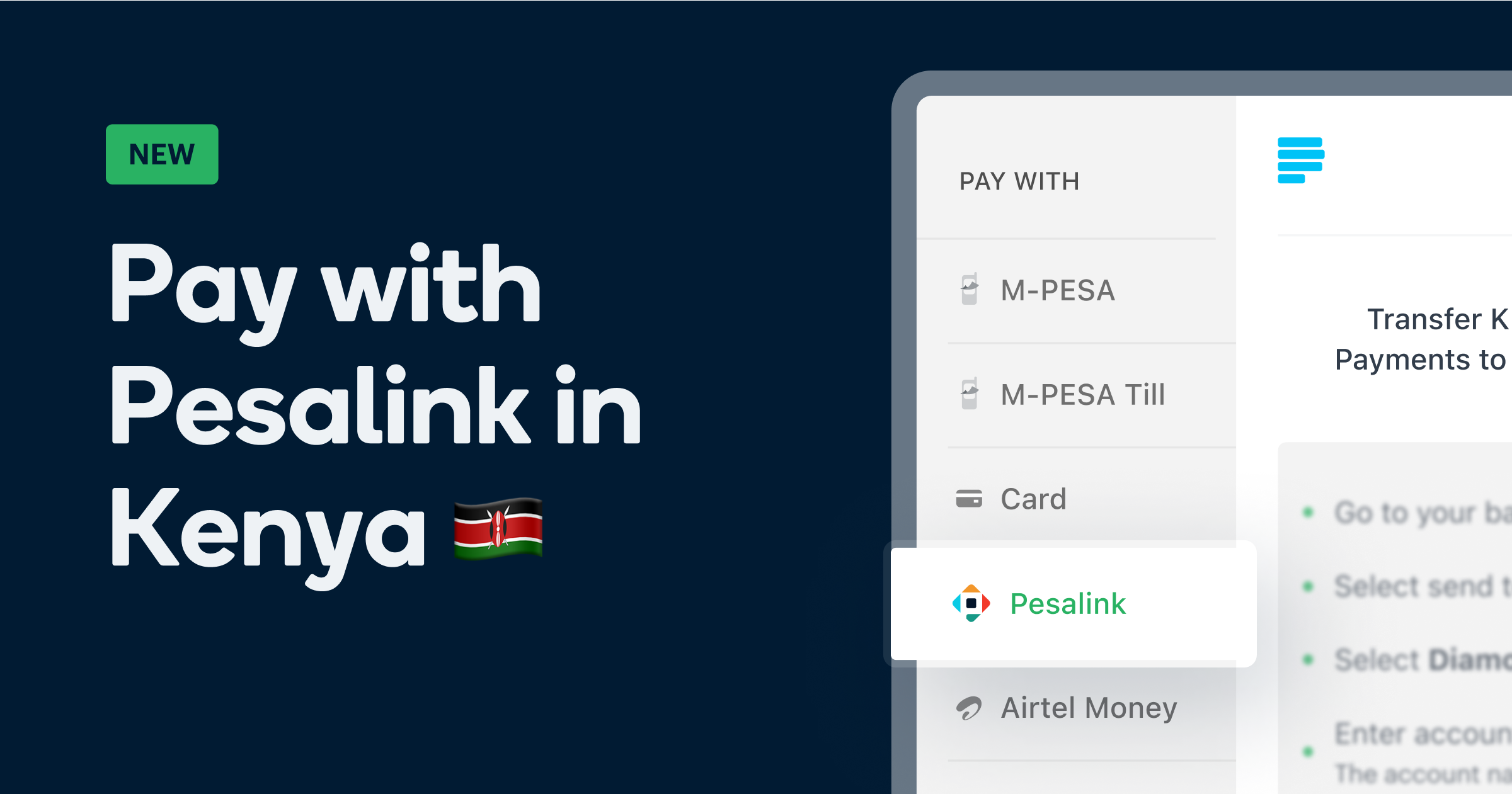
Kenyan businesses can now accept instant, secure bank transfers with Pesalink, directly from the Paystack Checkout or API .
Paystack already lets you collect payments via M-PESA, Airtel Money, cards, and Apple Pay. With Pesalink, you can now reach even more customers, especially those who prefer paying straight from their bank accounts.
What is Pesalink?
Pesalink is a real-time payment solution in Kenya that enables instant bank-to-bank transfers, 24/7.
Built by Integrated Payment Services Limited (IPSL), a subsidiary of the Kenya Bankers Association (KBA), Pesalink allows millions of Kenyans to send and receive money directly from their bank accounts using mobile or online banking. It’s fast, secure, and trusted.
How Pay with Pesalink works on Paystack
Here’s what your customers see when they choose Pesalink at checkout:
- Select Pesalink: On the Paystack Checkout form, they choose Pay with Pesalink. They'll see Diamond Trust Bank (DTB) account details plus a unique payment reference.
- Open banking app: They log into their mobile or internet banking app.
- Make the transfer: They start a Pesalink transfer, entering the DTB account details and the purchase amount.
- Add the payment reference: They copy the unique payment reference from the Checkout page into the "Narration" or "Reason" field. This is important as it lets Paystack match the payment instantly.
- Confirm payment: Once the transfer is complete, Paystack verifies the amount and reference. If they match, the payment is marked successful and both you and your customer are notified immediately.
Why your business should offer Pesalink
- Reach more customers: Offer Pesalink as a payment option to reach a wider customer base, especially B2B clients in Kenya who prefer this trusted and familiar method.
- High transaction limits: Pesalink supports transactions of up to KES 999,999, making it ideal for a broad range of products and services.
- Enhanced security: Transactions are processed as direct bank-to-bank transfers, providing high security and reducing the risk of fraud.
How to enable Pesalink on Paystack
To enable Pesalink for your Paystack account:
- Go to the Preferences tab in your Paystack Dashboard Settings.
- Tick the Bank transfer checkbox.
This will activate the Pay with Bank channel, which includes Pesalink.

Start accepting Pesalink today 🚀
Whether you run an online store or bill enterprise clients, Pesalink makes it easy to get paid instantly.
Enable it in your dashboard today, and if you need any help, our support team is always here for you 💙