Payments
Virtual Terminal
In a nutshell
Accept in-person payments in South Africa with Virtual Terminal, with no dedicated hardware.
Virtual Terminal turns a WhatsApp-enabled phone into a payment point, with no dedicated hardware required. Create one from the API and it's ready to accept Apple Pay, cards, EFT, and Scan to Pay. It's a fast way to set up a payment point for small storefronts, mobile vendors, or delivery businesses collecting payment on drop-off, and every successful payment is confirmed instantly over WhatsApp and through your webhook.
Copy linkCreate the Virtual Terminal
- Create a Virtual Terminal with a
nameand up to five WhatsApp-enabled phone numbers asdestinations. Include the country code in each phone number, for example+27821234567. - Keep the
code(for exampleVT_L837PT5K) returned in the response. You'll need it to match incoming payments.
POSTapi.paystack.co/virtual_terminal
curl https://api.paystack.co/virtual_terminal \
  -H "Authorization: Bearer YOUR_SECRET_KEY" \
  -H "Content-Type: application/json" \
  -d '{
    "name": "Sales Point #1",
    "destinations": [
      { "target": "+27821234567" }
    ]
  }' \
  -X POST
const response = await fetch('https://api.paystack.co/virtual_terminal', {
  method: 'POST',
  headers: {
    Authorization: 'Bearer YOUR_SECRET_KEY',
    'Content-Type': 'application/json'
  },
  body: JSON.stringify({
    name: 'Sales Point #1',
    destinations: [
      { target: '+27821234567' }
    ]
  })
})

const terminal = await response.json()
console.log(terminal)
Poster Usage
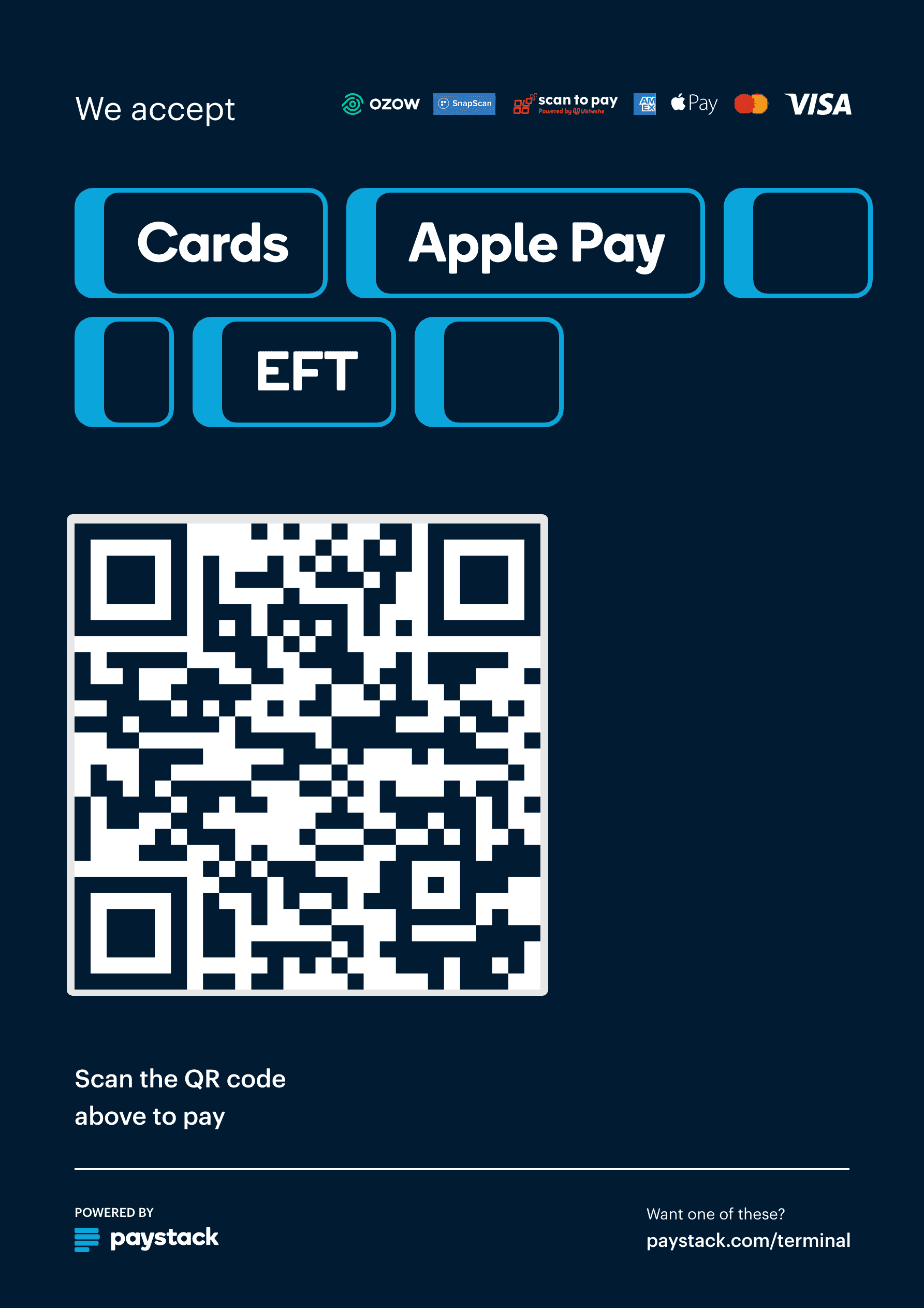
Download and print the generated poster in your preferred format from the Dashboard. It's available in both light and dark colour variants.
Copy linkShare the payment surface
- From the Terminals tab in your Paystack Dashboard, select the Virtual Terminal, open its details, and download the poster.
- Display the poster somewhere customers can easily scan it.
Copy linkMonitor notifications
- Watch the registered WhatsApp numbers. They receive a confirmation when the terminal is created, and a notification with the amount and timestamp for every successful payment.
- Listen for
charge.successon your webhook URL. - Match the payment to the correct terminal using
data.metadata.virtual_terminal, or by checking thatdata.source.sourceisvirtual_terminal.
import crypto from 'crypto'
import express from 'express'

const app = express()
app.use(express.json())

app.post('/api/paystack/webhook', (req, res) => {
  const signature = req.headers['x-paystack-signature']
  const hash = crypto
    .createHmac('sha512', 'YOUR_SECRET_KEY')
    .update(JSON.stringify(req.body))
    .digest('hex')

  if (hash !== signature) {
    return res.sendStatus(401)
  }

  const { event, data } = req.body

  if (event === 'charge.success' && data.source?.source === 'virtual_terminal') {
    const terminalCode = data.metadata?.virtual_terminal?.code
    console.log('Virtual Terminal payment confirmed:', terminalCode, data.amount)
    // mark the payment point's order as paid
  }

  return res.sendStatus(200)
})
Copy linkExpand usage when needed
- Add more Virtual Terminals for extra payment points.
- Use the same flow for small storefronts, mobile vendors, delivery businesses collecting payment on delivery, and temporary or seasonal payment locations.
This flow works well when you need a payment point fast and don't want to depend on dedicated hardware.